How to add custom HTML to the Tour?
Here you can add HTML to your Tour and display it on top of elements in the Tour.
Select Render Walk → List Tours from the side menu and click the Edit button on the desired tour.

Go to tab Contents / Custom HTML. Scroll to the bottom of the page, you can write your HTML code here.
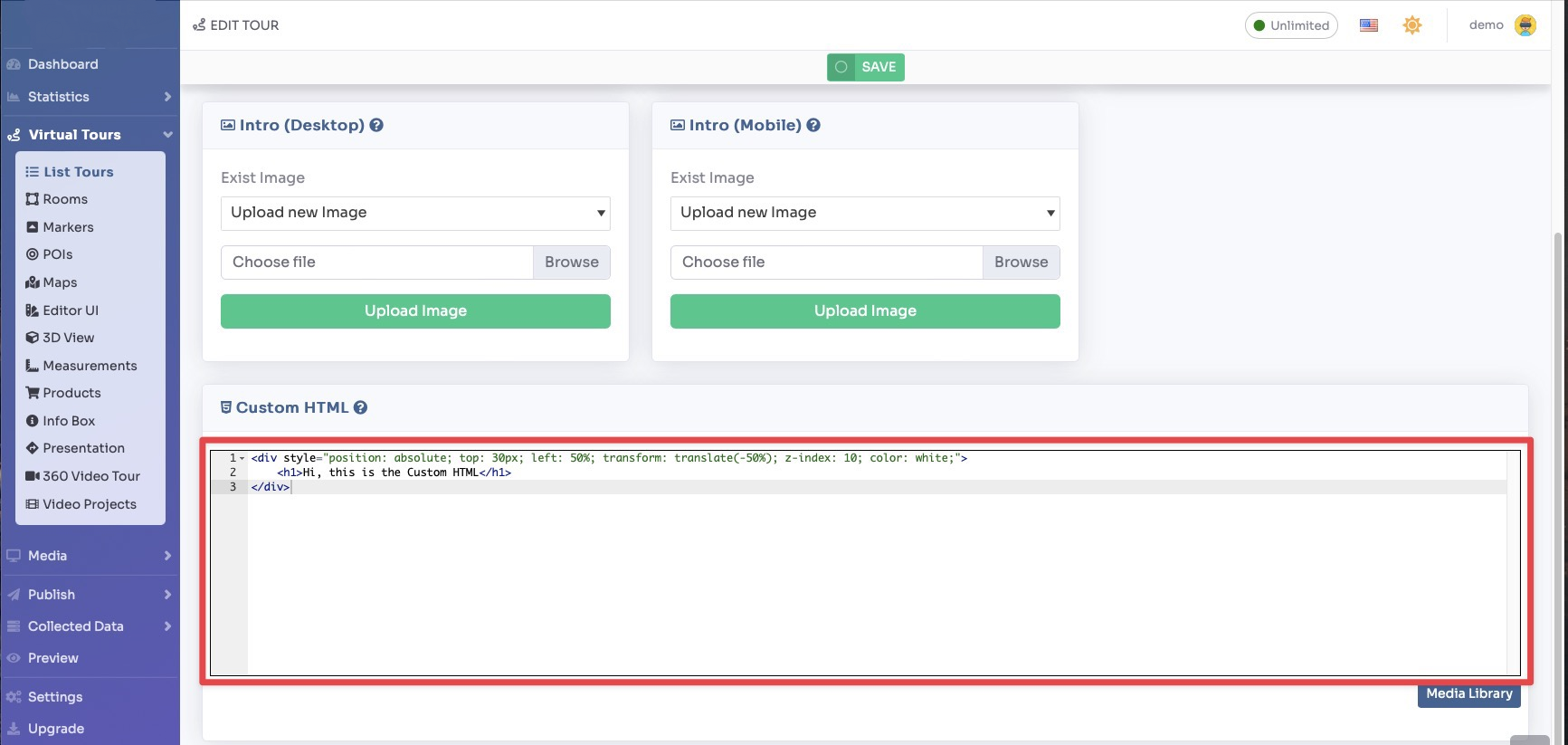
Click Save on top of the page.
This is an example of HTML code and the final result:
