How to Export and Import a Tour?
Export a Tour
Select Render Walk → Virtual Tours, from the side menu.
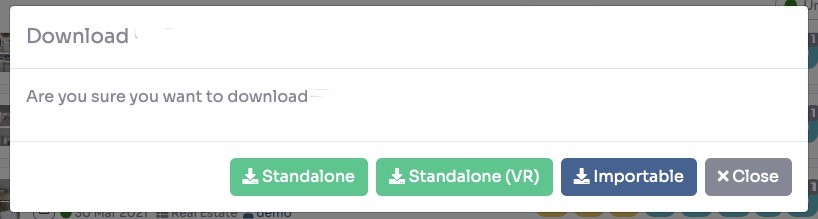
Find the tour you want to export in the list. Click on the tour options and select Export.

The tour will be packaged and downloaded as a .zip file to your computer. This file contains all the tour data, rooms, panoramas, and settings.
Import a Tour
Select Render Walk → Virtual Tours, from the side menu.
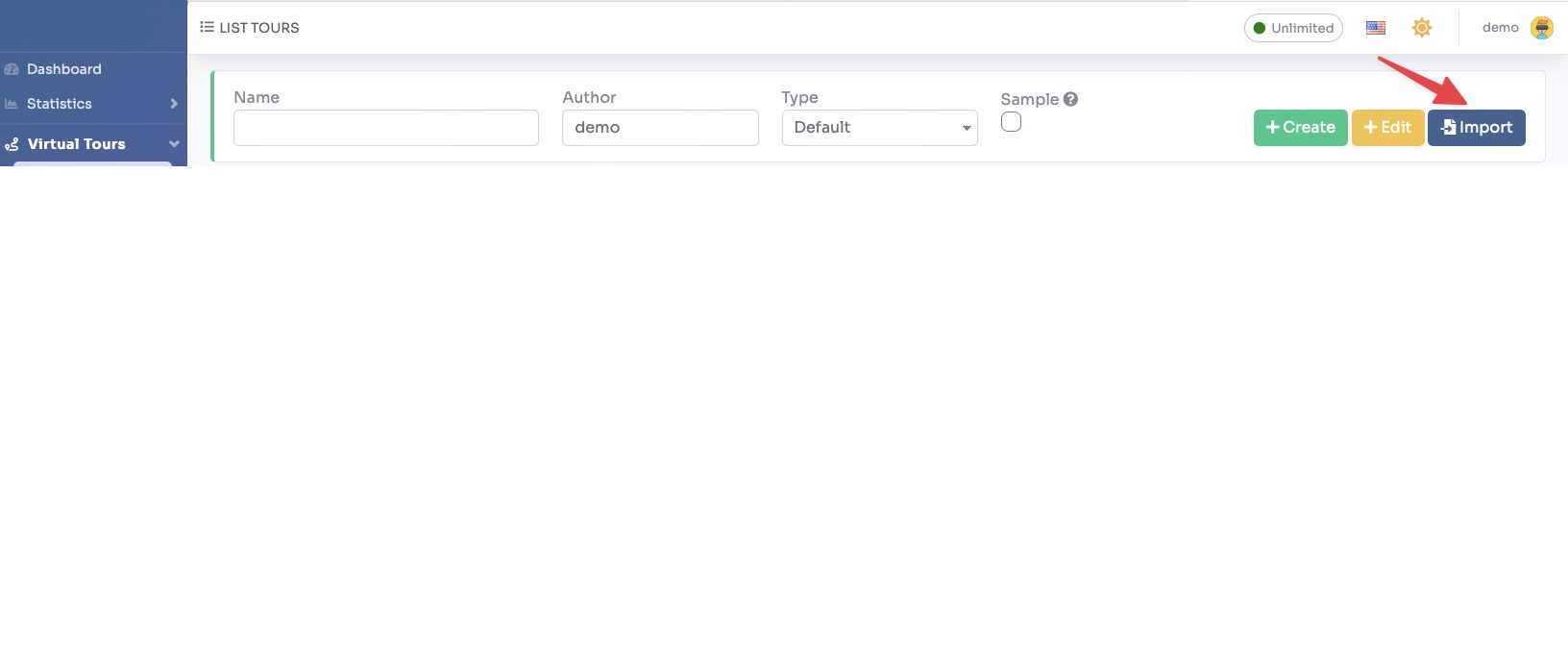
Click on the "+ Import" button at the top of the page.
Select the .zip export file from your computer. The system will automatically extract and recreate the tour with all its rooms, panoramas, and settings.
Once the import is complete, the tour will appear in your Virtual Tours list and will be ready to use.