How to enable Registration?
Select Render Walk → Settings, from the side menu. Go to tab Registration.
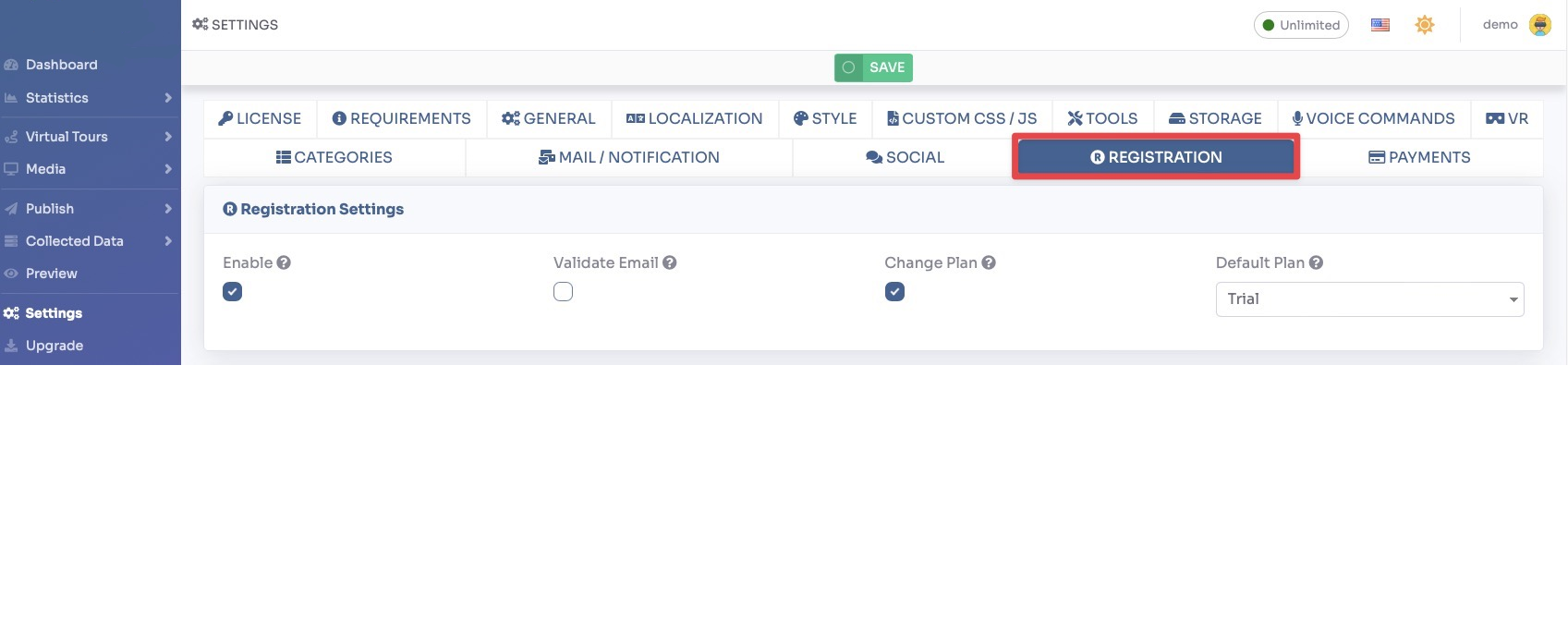
Toggle Enable Registration to allow customers to register on your platform independently.
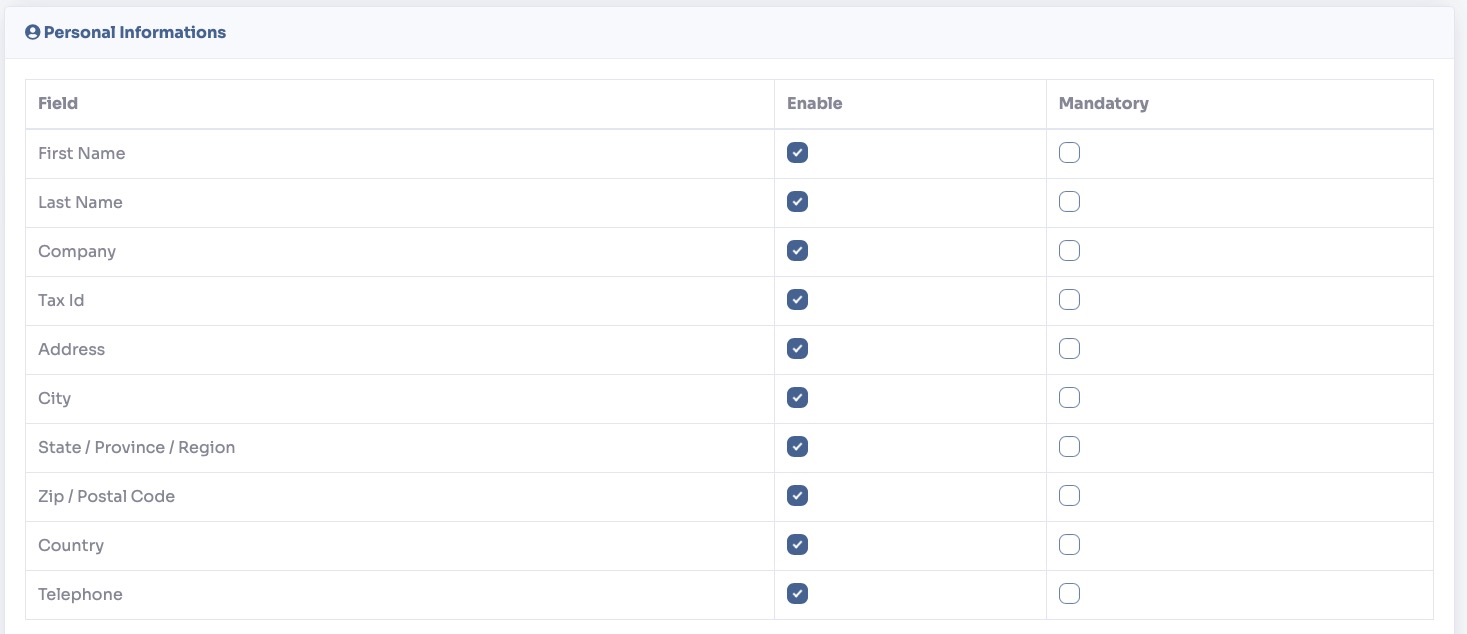
You can configure the following registration options:
- Require Email Verification — When enabled, users must confirm their email address before they can log in.
- Registration Page URL — The URL of the public registration and pricing page that customers will see.
- Default Plan — The subscription plan automatically assigned to a new user upon registration (typically a free or trial plan).
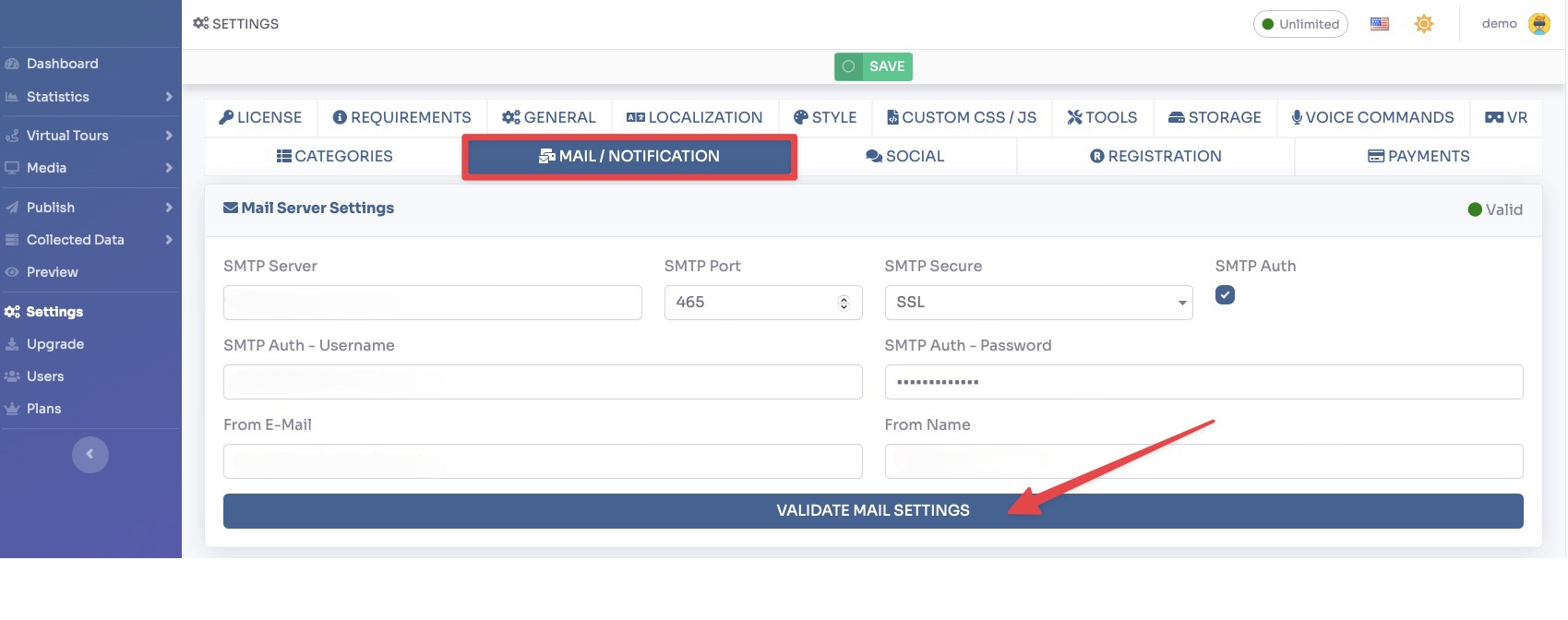
You can also customize the Registration Email sent to new users. Edit the subject and body of the welcome email in the fields provided.
Once registration is enabled, customers will see a Register button on the login page. They can create an account, access their personal dashboard, and subscribe to a plan to start creating tours.
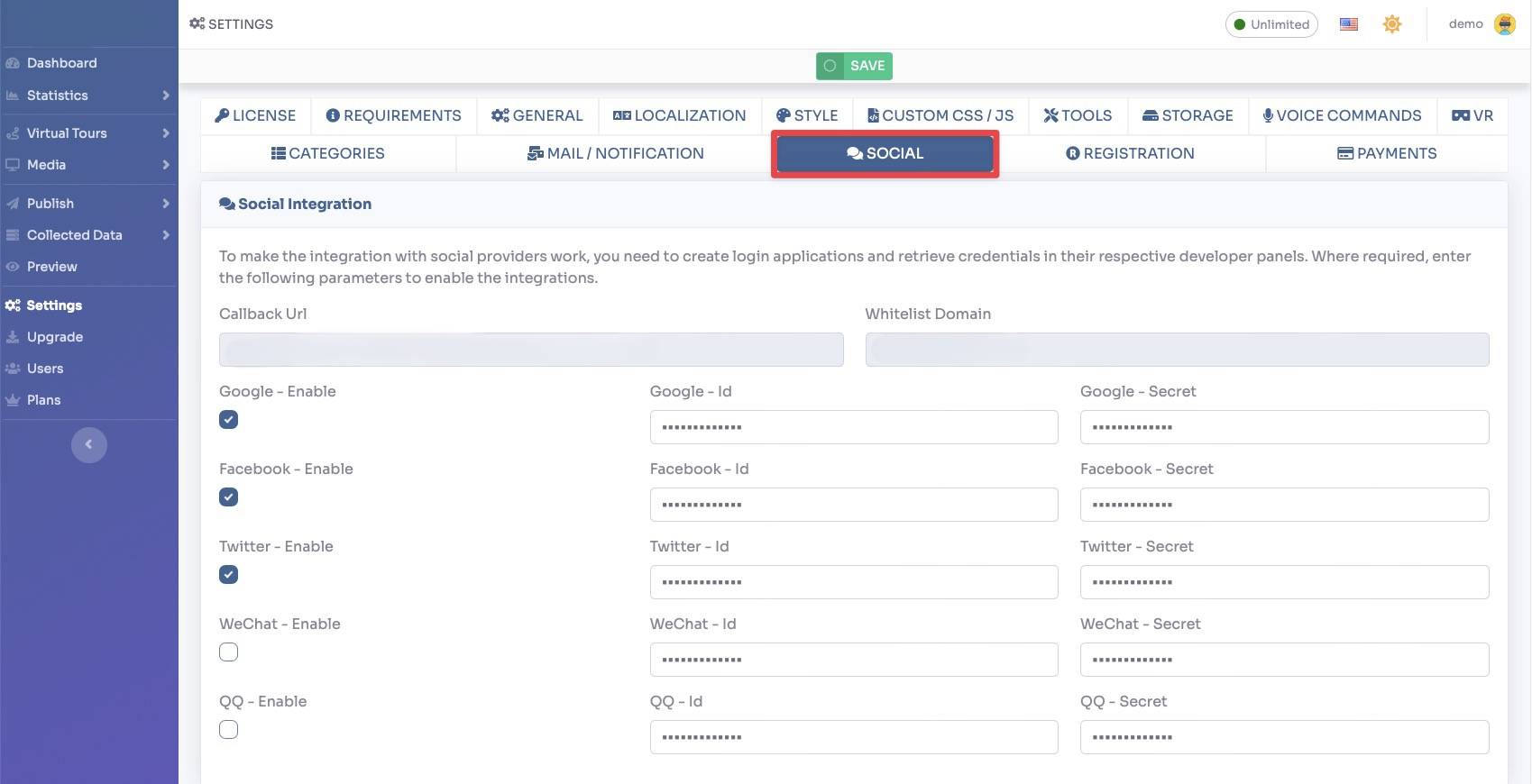
Click Save to apply all registration settings.