How to create a groups of POIs?
You can group several POIs within another POI to have them displayed when the latter is clicked.
Select Render Walk → POIs from the side menu.
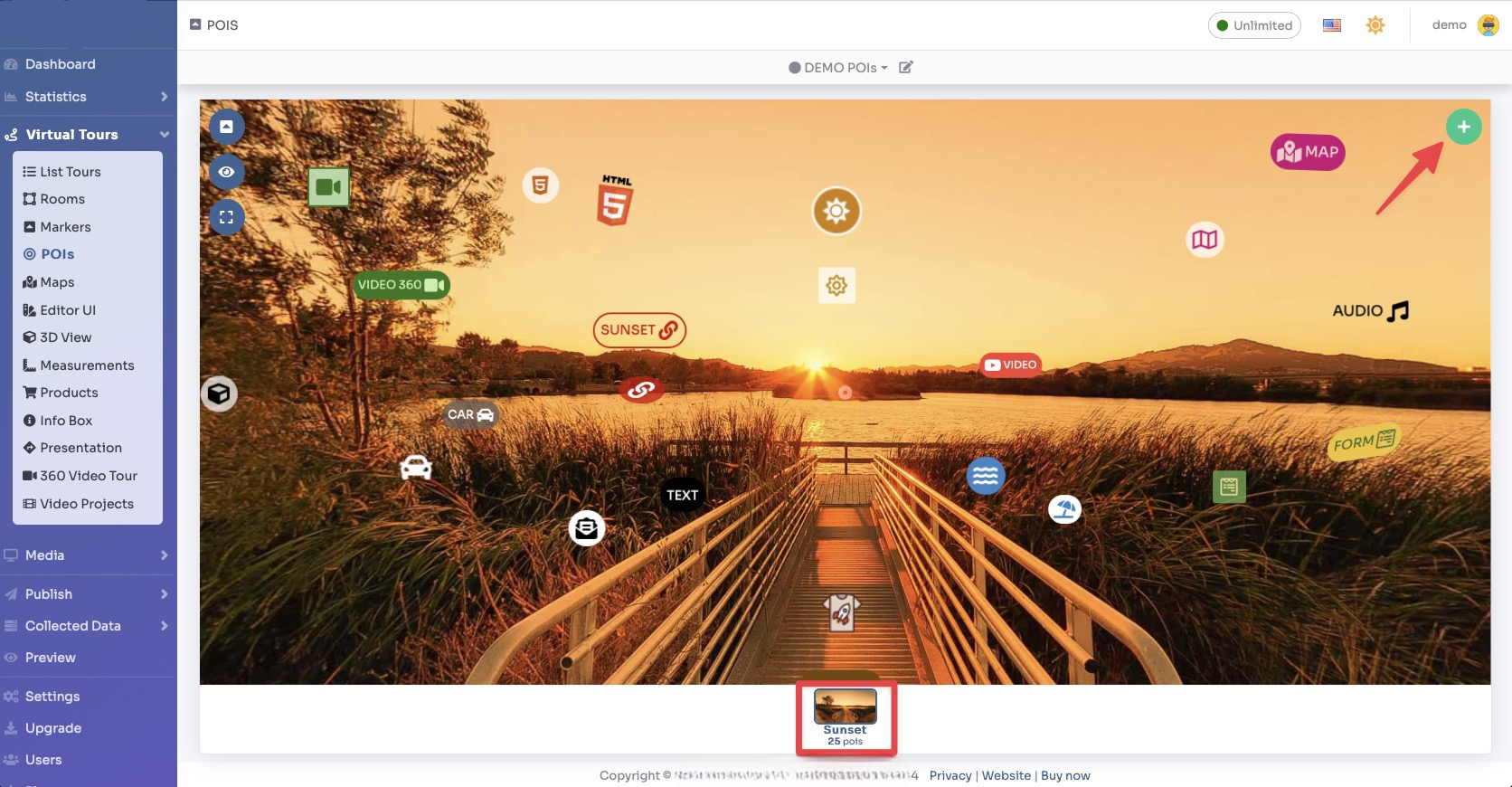
Select the room you want to add the grouped POI to and click the "+" button on the top right.
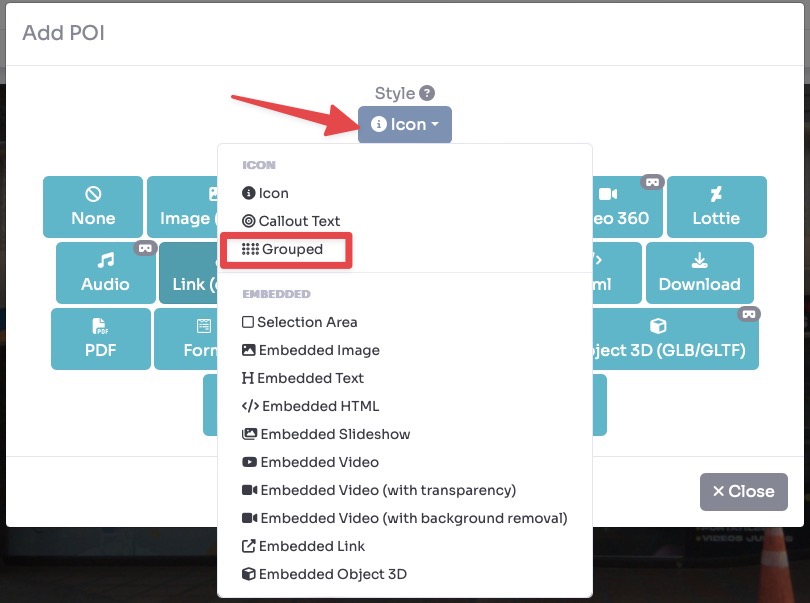
Select Style → Grouped and click "Multiple POIs" button into Content.
Drag the POI's icon to change location and then click Save.
Now click on the other POIs you want to group inside this POI. As you can see the counter of grouped POIs increases and the selected POIs are highlighted.
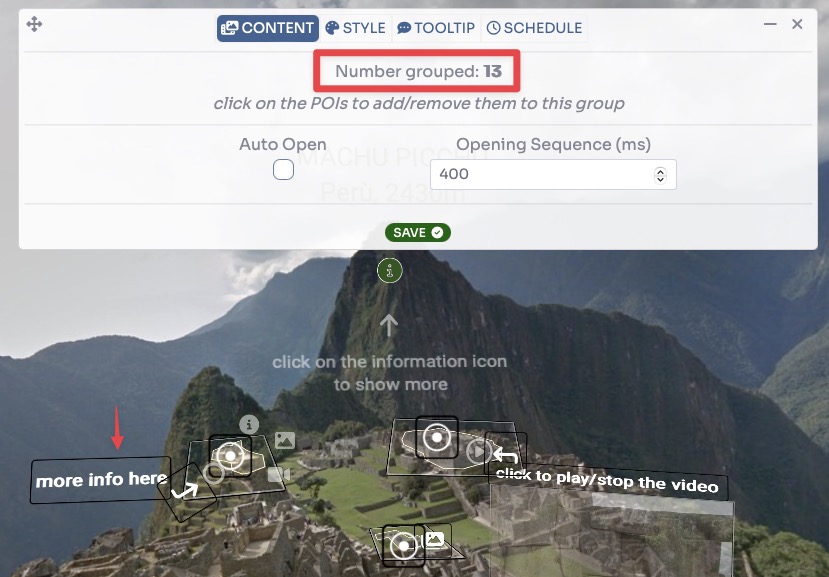
There are 2 options:
- Auto Open: automatically expand the grouped POIs when entering the room.
- Opening Sequence: If set to a value > 0 in ms, the POIs will appear in sequence, otherwise all together (the order of appearance is the one in which they are selected).
After you have finished click Save.