How to create a 360 Video Tour?
Select Render Walk → 360 Video Tour from the side menu.
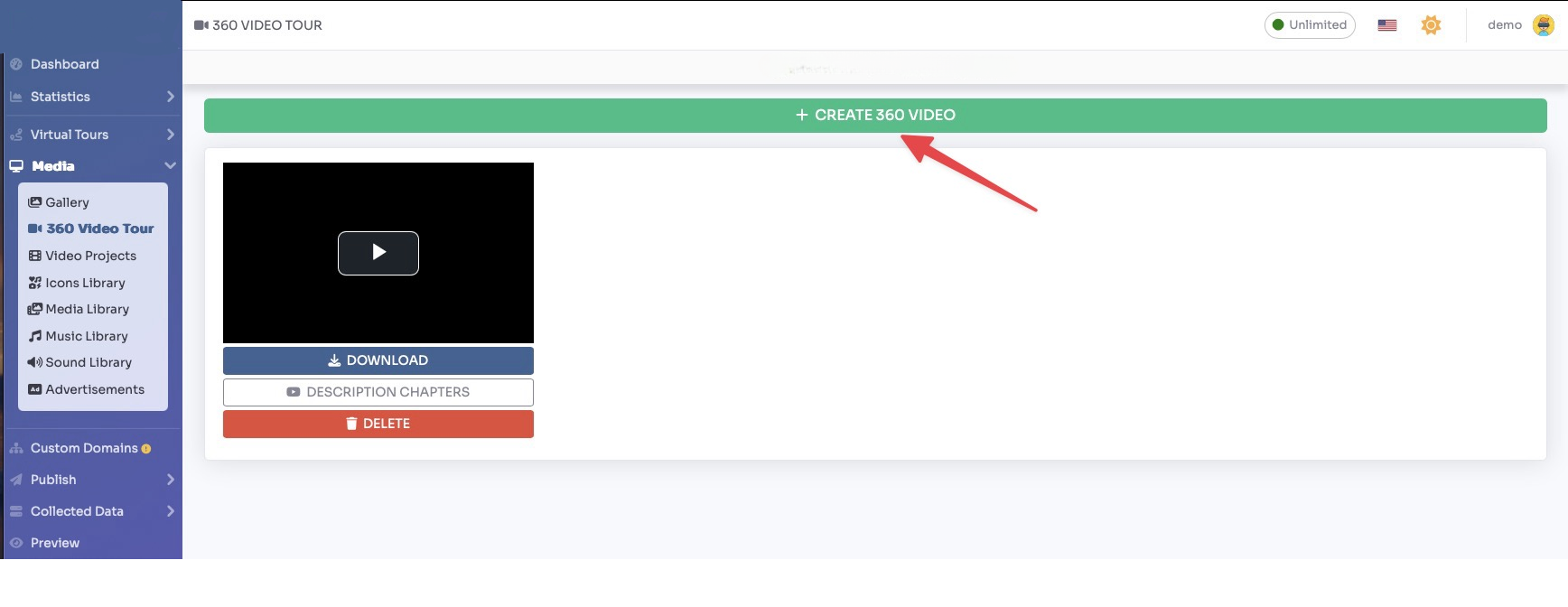
Click on "+ Create 360 Video" button.
You can now select/deselect the rooms to be included in the 360-degree video by simply clicking on them and define the duration of each room in seconds.
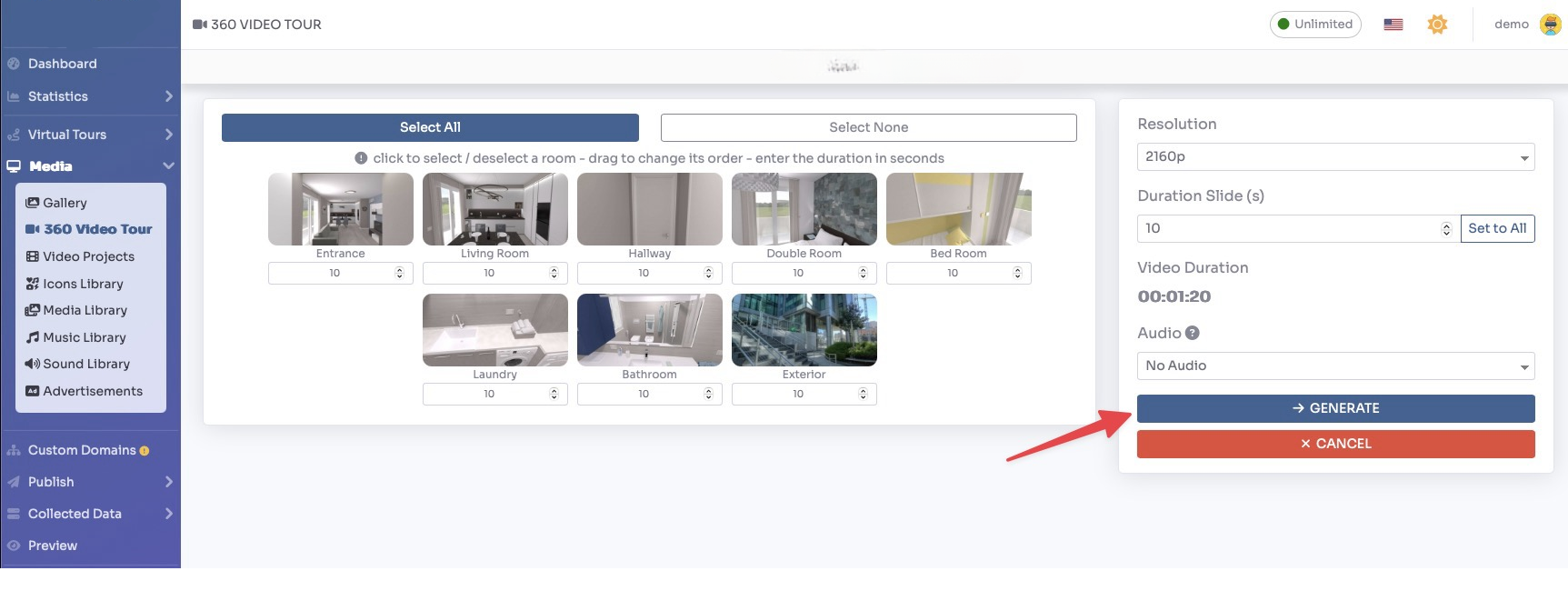
Click Generate button to generate the video.